

Overview
While we previously ran the discovery-service and api-gateway as standalone applications from the IDE or JAR files, we can also run them through Docker containers. This guide explains how to run all Linqra components using Docker.Docker Compose Configuration
Thedocker-compose.yml file includes all necessary services:
- Infrastructure Services:
- PostgreSQL (for Keycloak)
- pgAdmin (PostgreSQL management)
- Keycloak (authentication)
- MongoDB (replica set with 3 nodes)
- Redis (rate limiting and caching)
- Core Services:
- Discovery Server (Eureka)
- API Gateway with HAProxy Load Balancer
Certificate Preparation
Before running the services, ensure you have the necessary certificates prepared for HAProxy:These certificates should have been generated during the initial setup. This section shows how they were created for reference.
Running Core Services
To start all core services with Docker Compose: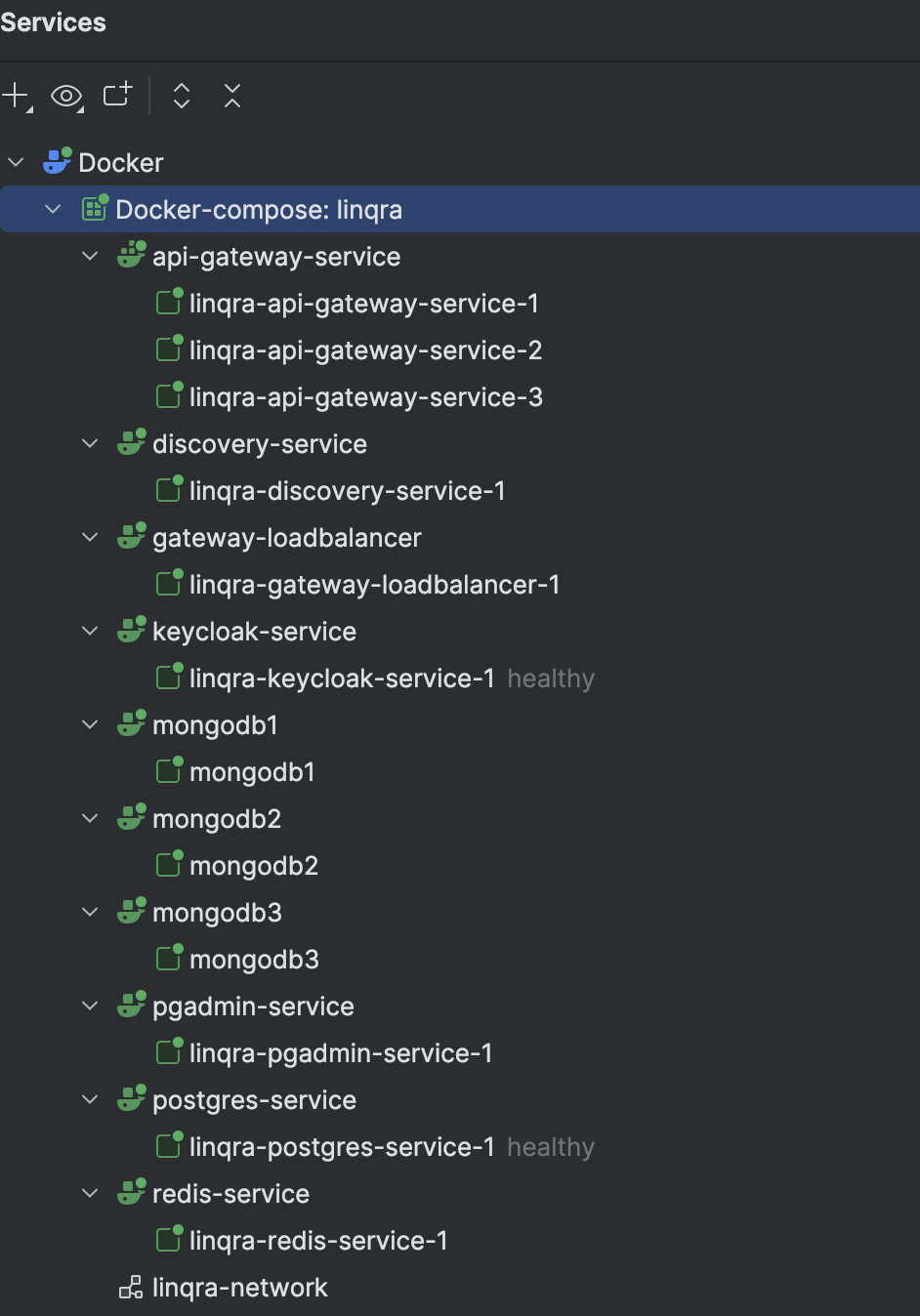
- Uses the local Docker Compose installation
- Specifies the compose file location
- Sets the project name to ‘linqra’
- Runs in detached mode (-d)
- Builds images if needed (—build)
Rebuilding Individual Services
If you update the api-gateway code or configuration, you can rebuild just that service:Service Configuration
Discovery Server (Eureka)
Load Balancer and API Gateway
The API Gateway service is configured with 3 replicas for high availability, with HAProxy load balancing requests across these instances through port 7777.
Complete Docker Compose Configuration
Below is the completedocker-compose.yml file for local deployment:
This configuration is specifically designed for local development and testing. The services are configured to run on localhost with appropriate port mappings and network settings.
Client Services
After setting up the core infrastructure and gateway services, you can deploy the example client services. Each service is configured to run with multiple instances for high availability.Product Service
The product service uses its own Docker configuration and certificates:- linqra_product_service-product-service-1
- linqra_product_service-product-service-2
- linqra_product_service-product-service-3
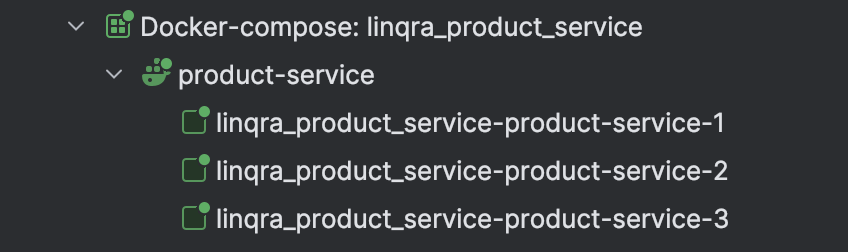
Inventory Service
Similar to the product service, the inventory service has its own Docker configuration:- linqra_inventory_service-inventory-service-1
- linqra_inventory_service-inventory-service-2
- linqra_inventory_service-inventory-service-3
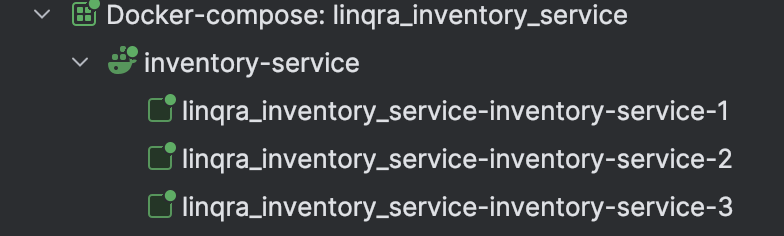
Both services use their own SSL certificates:
- Product Service:
product-keystore-container.jksandclient-truststore.jks - Inventory Service:
inventory-keystore-container.jksandclient-truststore.jks
Service Architecture
Each client service:- Runs with 3 replicas for high availability
- Uses SSL for secure communication
- Registers with Eureka discovery service
- Communicates through the API Gateway
- Authenticates via Keycloak
- Shares the same Docker network (
linqra-network) with core services